Kodi (Most Devices incl Xbox)
Kodi is still a very powerful media player and I use it in situations where the Android TV app does not work (like animated subtitles). It’s a bit more advanced to set up though.
Installing the Addon
Section titled “Installing the Addon”Follow these instructions (just step 1 and 2) to install the JellyCon add-on: https://github.com/jellyfin/jellycon#installation
Configuring the Addon
Section titled “Configuring the Addon”Once the add on is installed, it will scan for local jellyfin servers (and not find one). You’ll get this prompt:
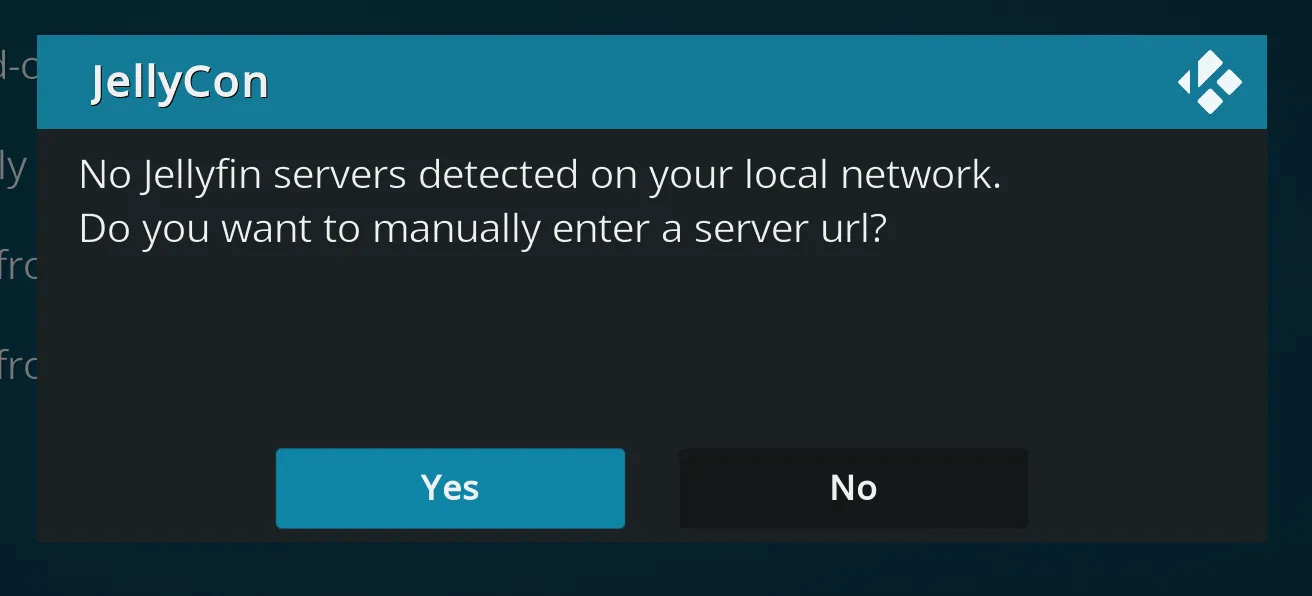
Select Yes
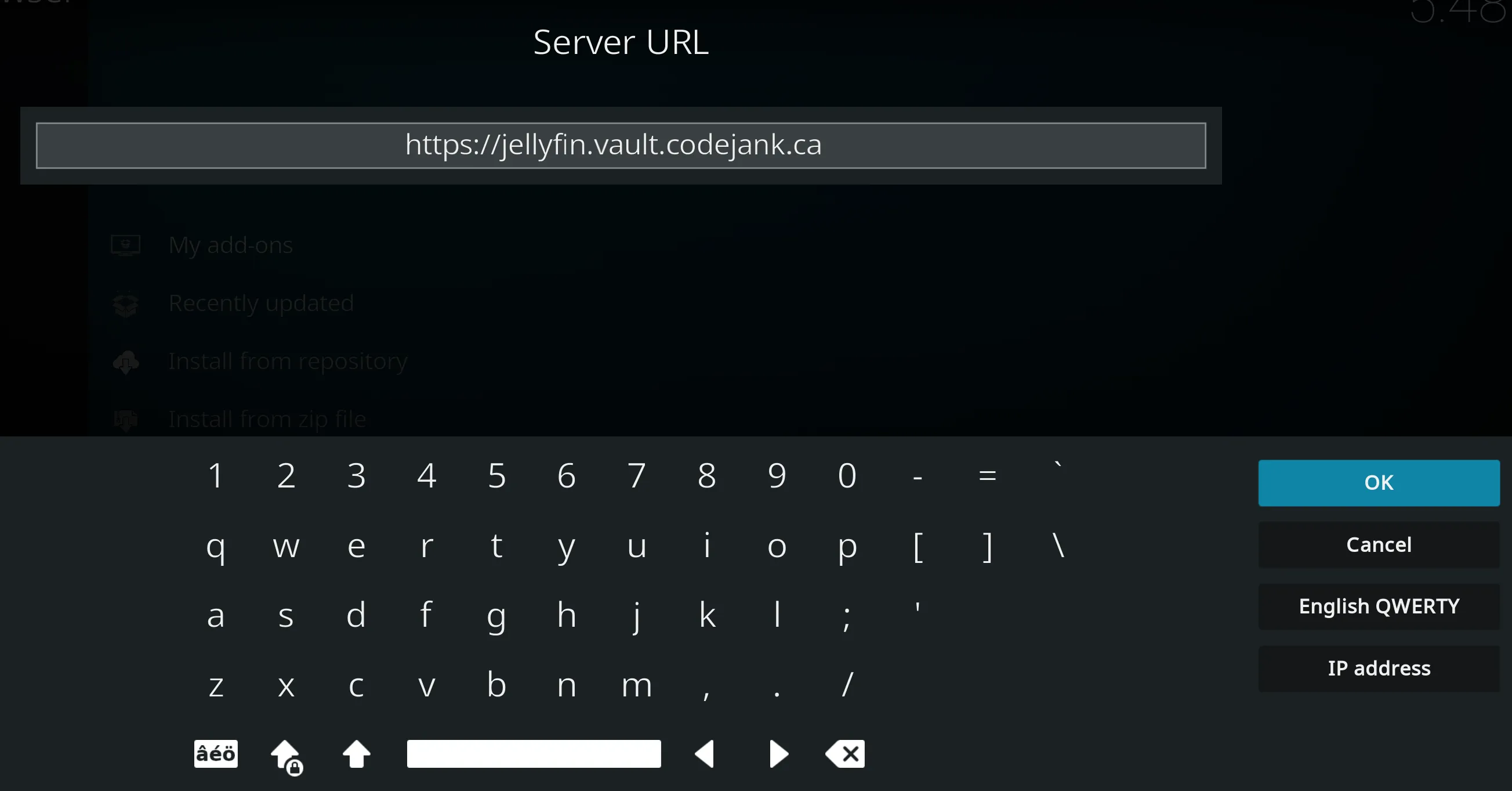
Enter the server url including https://:
Choose “manual login” and enter your username / password:

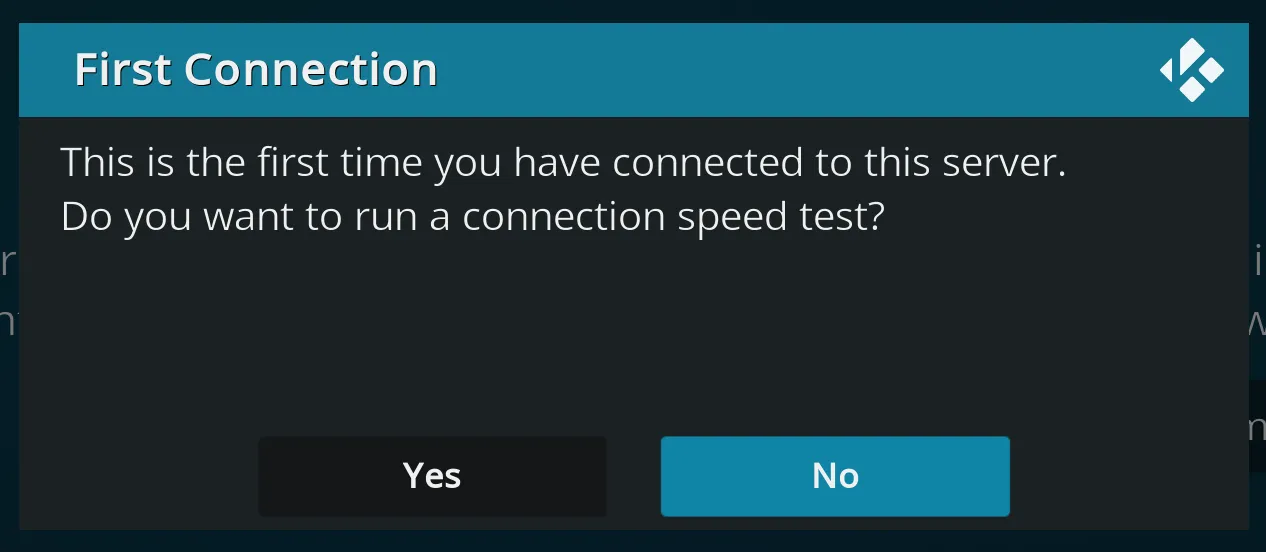
⚠️ Say no to this, it usually underestimates bandwidth and sets a clamp thats too low:
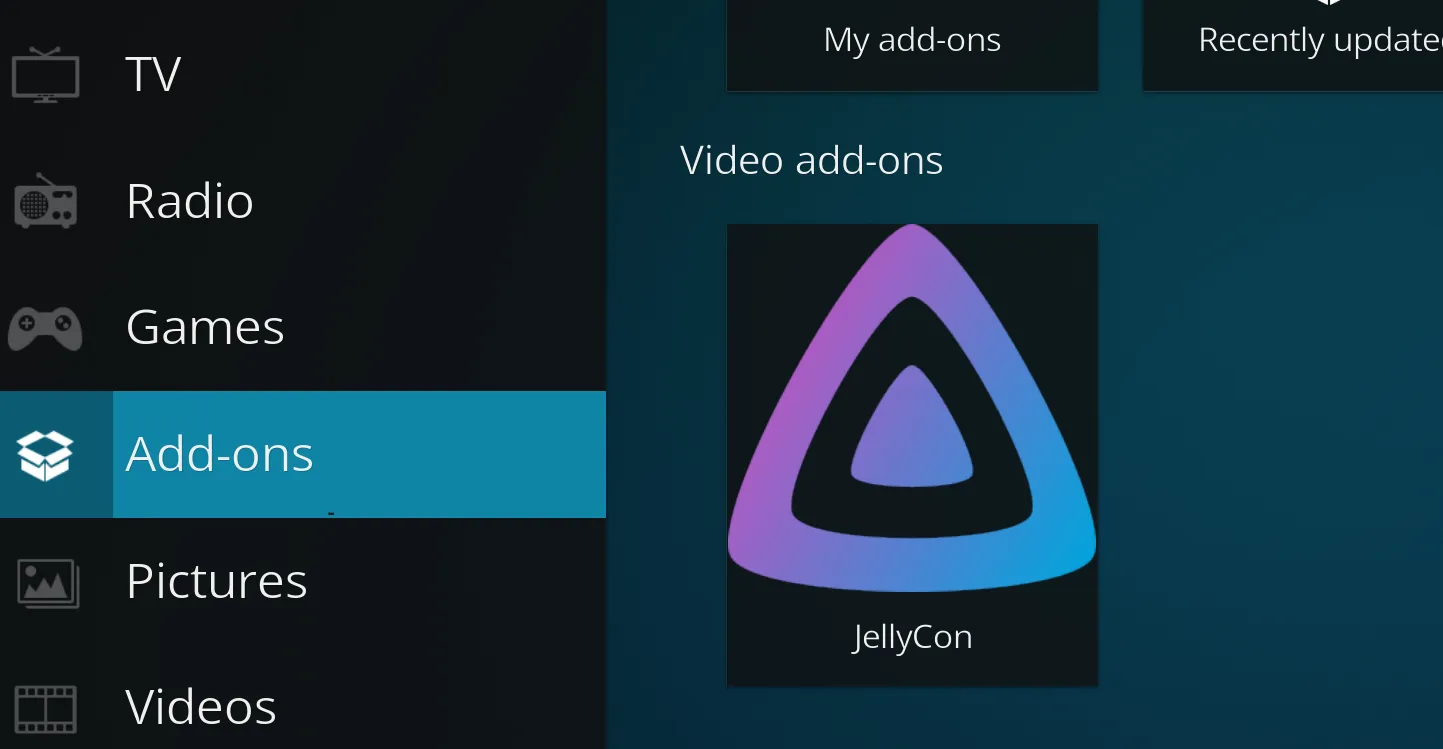
The add-on is now set up, you can access it from Add-ons on the home screen:
TIP: It usually takes quite a few clicks to get to the content you want. You normally click the add-on, then go to Jellyfin libraries, movies, show all, etc. If you hold down the select button (enter if you have a keyboard) on one of these sub menus (such as Shows - Next Up) and select “Add to Favourites” you can access that menu from “Favourites” on the home screen: